Appearance
Buying shares
1. Pick an offer
On a market's page, click Buy Yes (or Buy No) to open the cheapest offer, or click any row under People selling. The book moves to the left and the offer opens on the right.
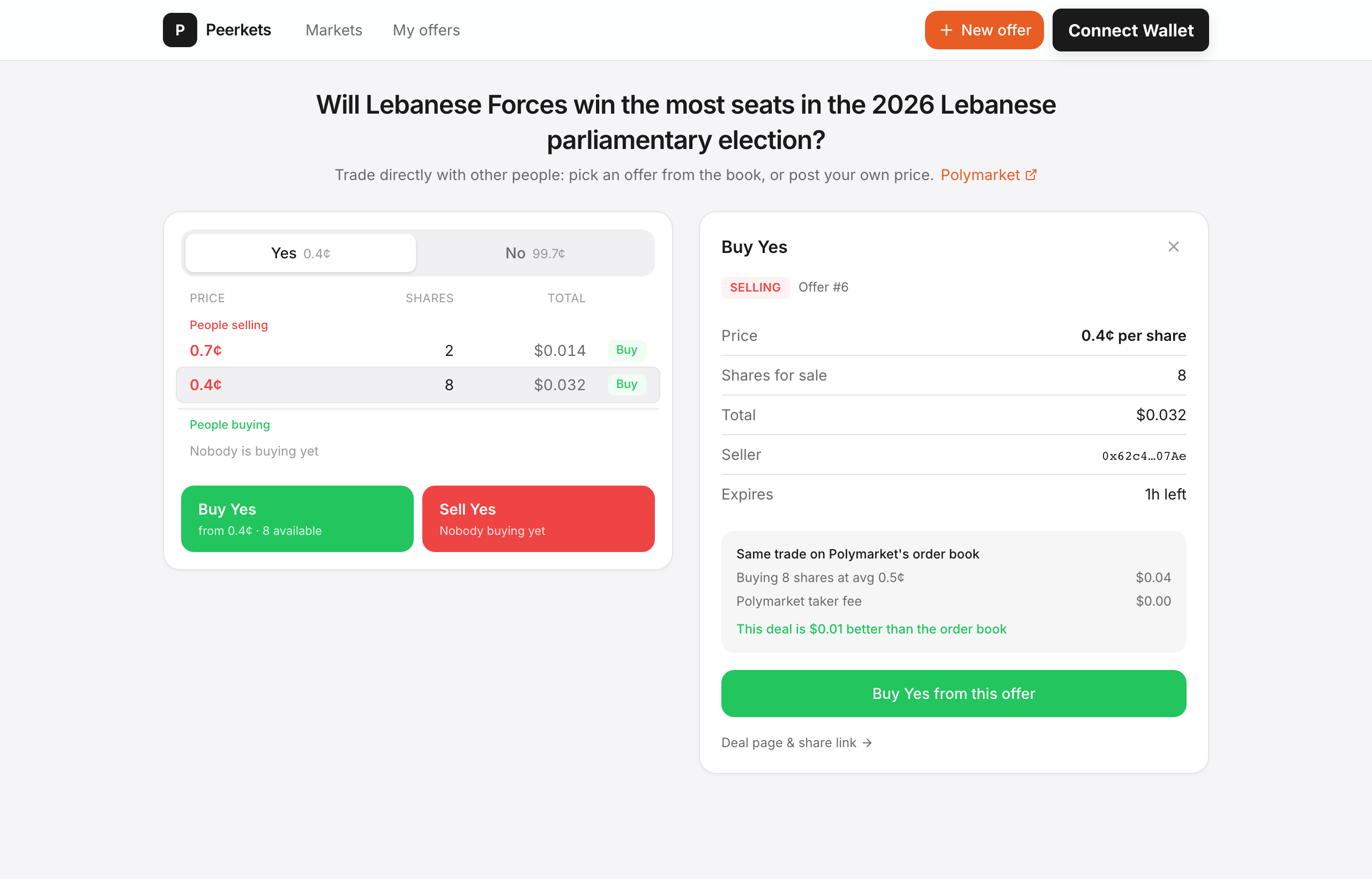
The offer card shows the price, how many shares are for sale, the total, the seller and when the offer expires.
Compare before you buy: the grey box shows what the same trade would cost on Polymarket's order book right now, including Polymarket's taker fee — and whether this deal is better or worse.
2. Choose an amount and accept
Click Buy Yes from this offer. A dialog opens:
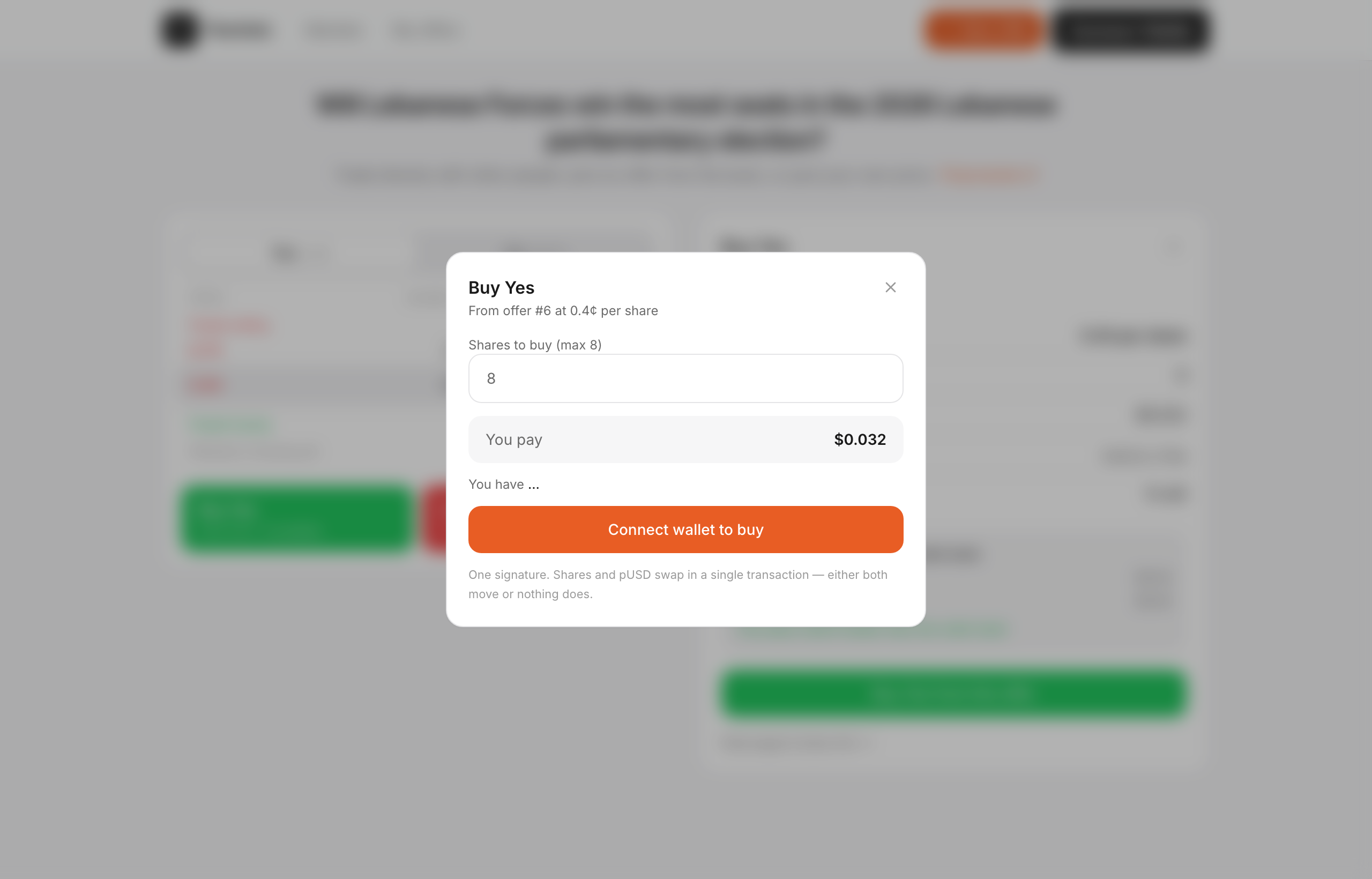
- Enter how many shares you want (up to what's for sale). Partial amounts are fine.
- Check You pay.
- Click Accept & buy. If your wallet isn't connected yet, the button connects it first; if you haven't entered your relayer key in this tab, you're asked for it now.
- Confirm the signature in your wallet.
3. Done
The trade settles in a single transaction: your pUSD goes to the seller and the shares come to your Polymarket wallet — both, or neither. You'll see a Trade complete screen with a link to the transaction. The shares show up on Polymarket like any others.
Resolved markets
If the market has already resolved, you'll see what each share is now worth (for example $0 for a losing outcome) and must confirm before continuing. Read it carefully.
Reserved offers
Some offers are reserved for one specific wallet. Those can only be accepted by that wallet.